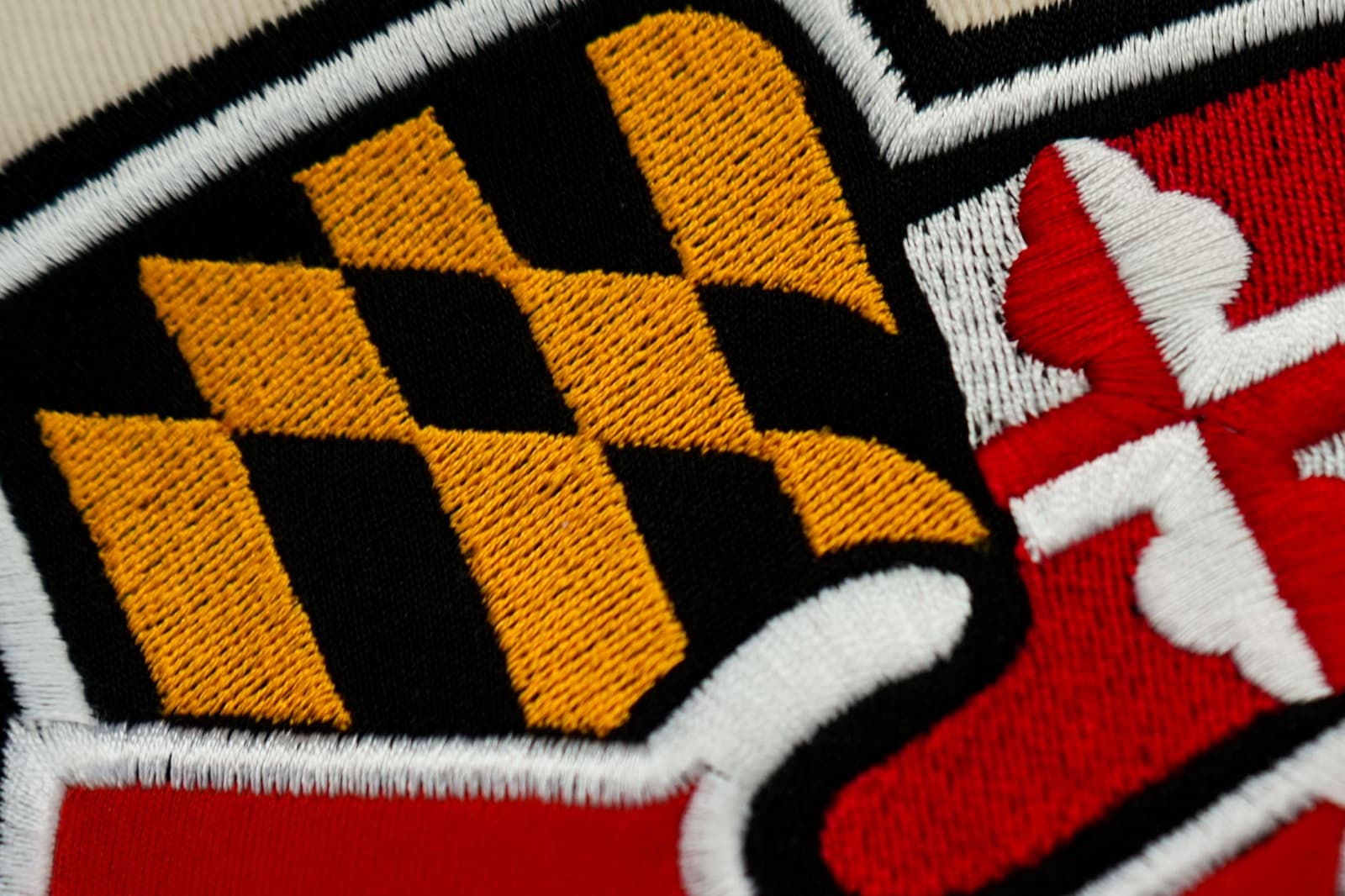
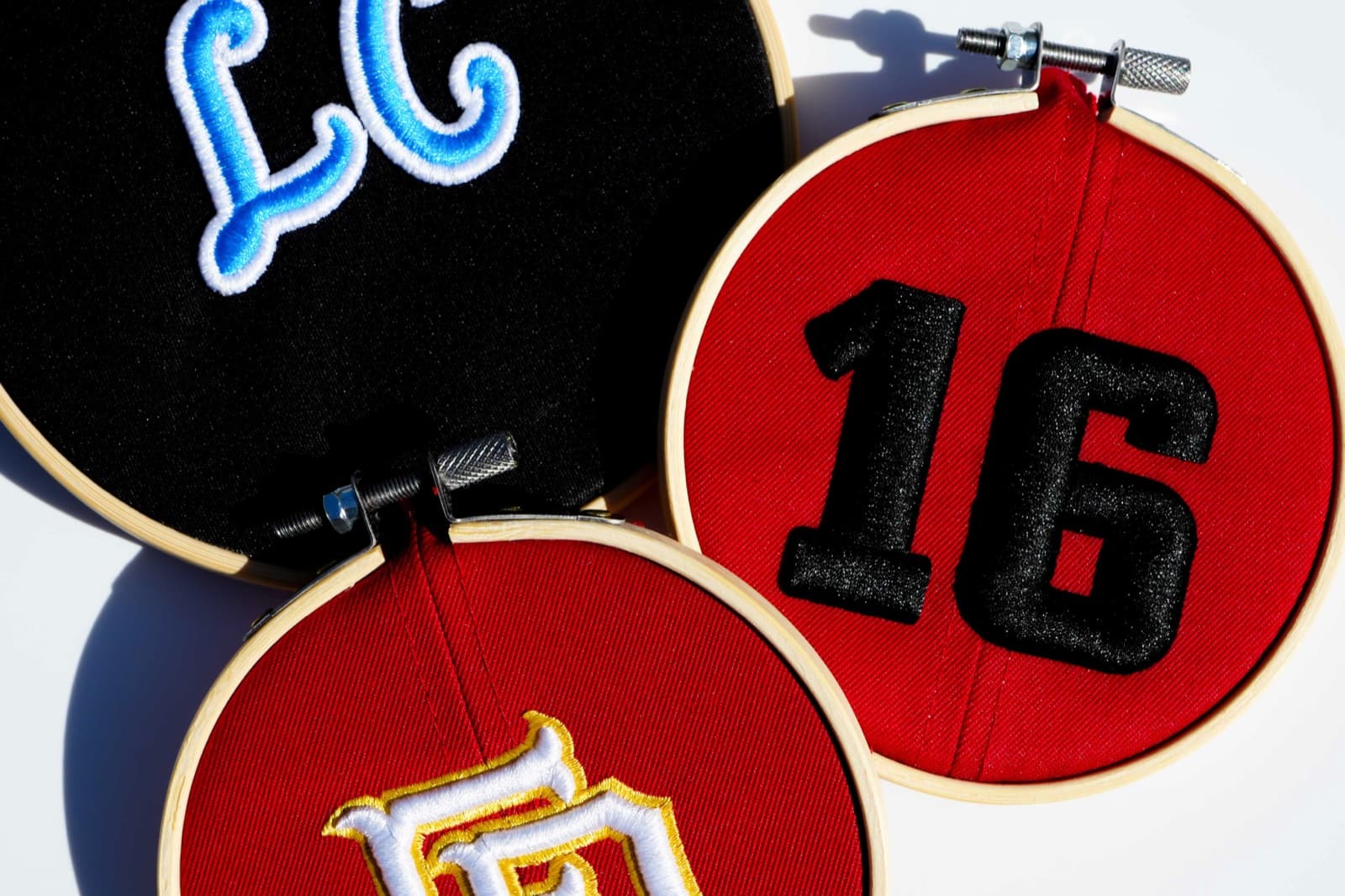
Why do small embroidery letters close up — and why don't most digitizers catch it?
Small embroidery letters "close up" when the open spaces inside them fill with thread and the word turns into a dark blob. The catch: it usually looks fine on screen and only shows up once the design is actually stitched on fabric. A digitizer who never sews out a sample won't see it coming — so it lands on your machine instead. Because we sample and sew-out designs, and have done hundreds of thousands of them, we catch it before it ever reaches you.
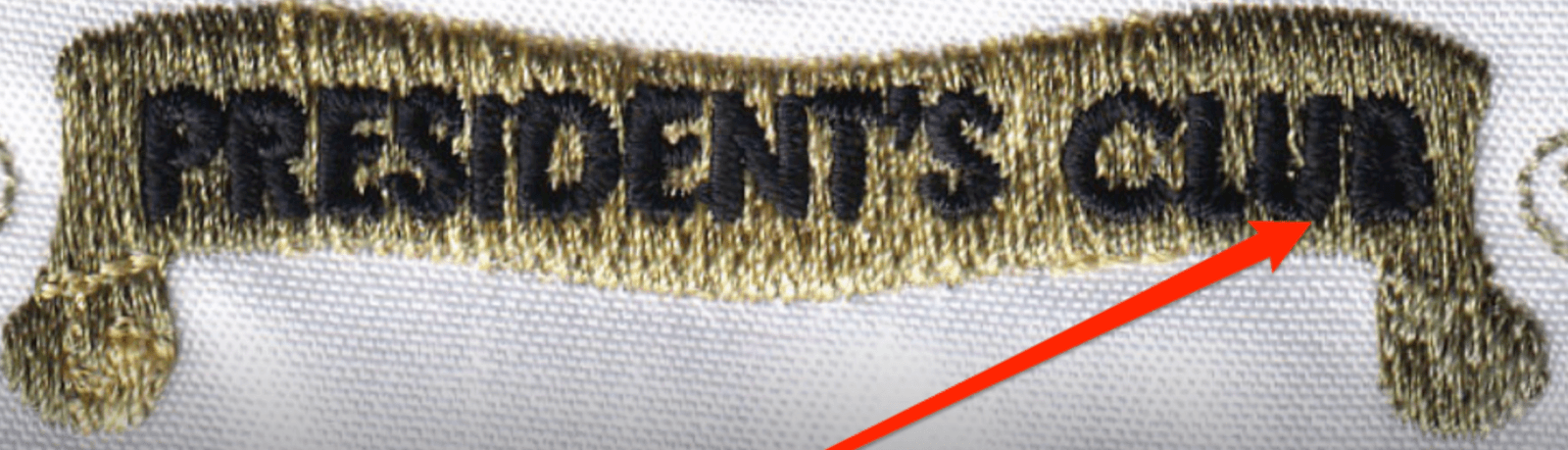
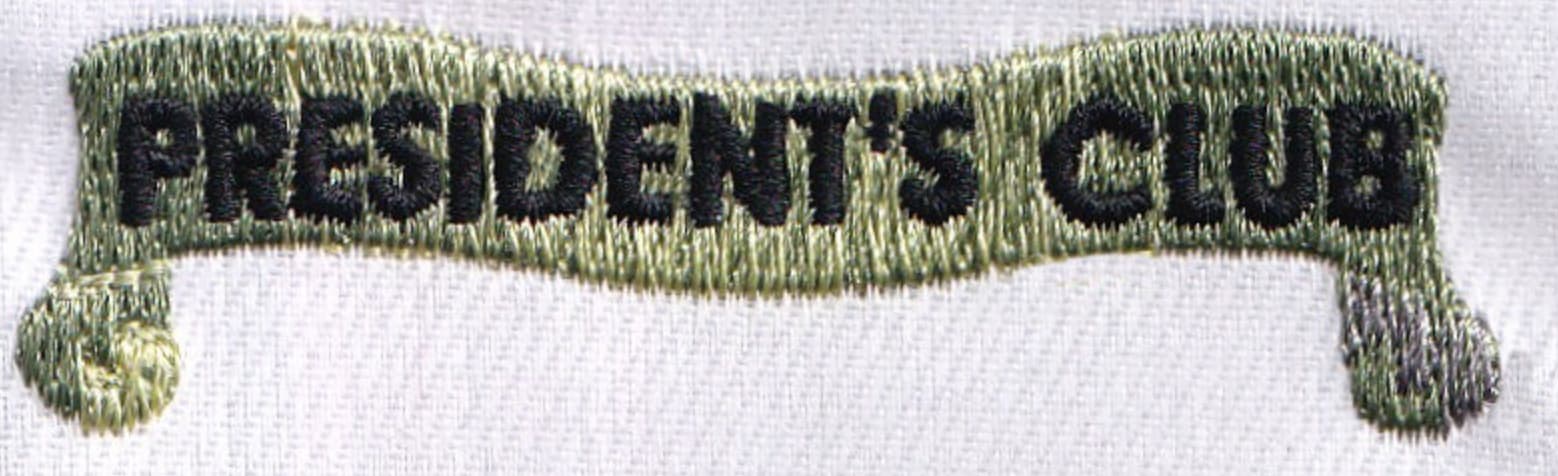
If you've ever stitched out a small left-chest logo or a line of text and watched the lettering turn into an unreadable smudge, you've seen letters "close up." It's one of the most common small-text failures in embroidery — and the frustrating part is that it almost never shows up where you'd catch it in time.
Here's what closing-up actually means. Every letter has open space inside it: the hole in an "o," the gap inside a "B," the little enclosed shape in an "A." Shrink the letter down small enough and those gaps get tiny — and the wrong file packs so much thread into the design that the gaps fill in. The "o" becomes a dot. The "B" becomes a black lump. The whole word reads as a dark bar instead of letters. Look at the two photos above: same words, same size, same machine. The only difference is the file behind them.
Why most digitizers never see it coming
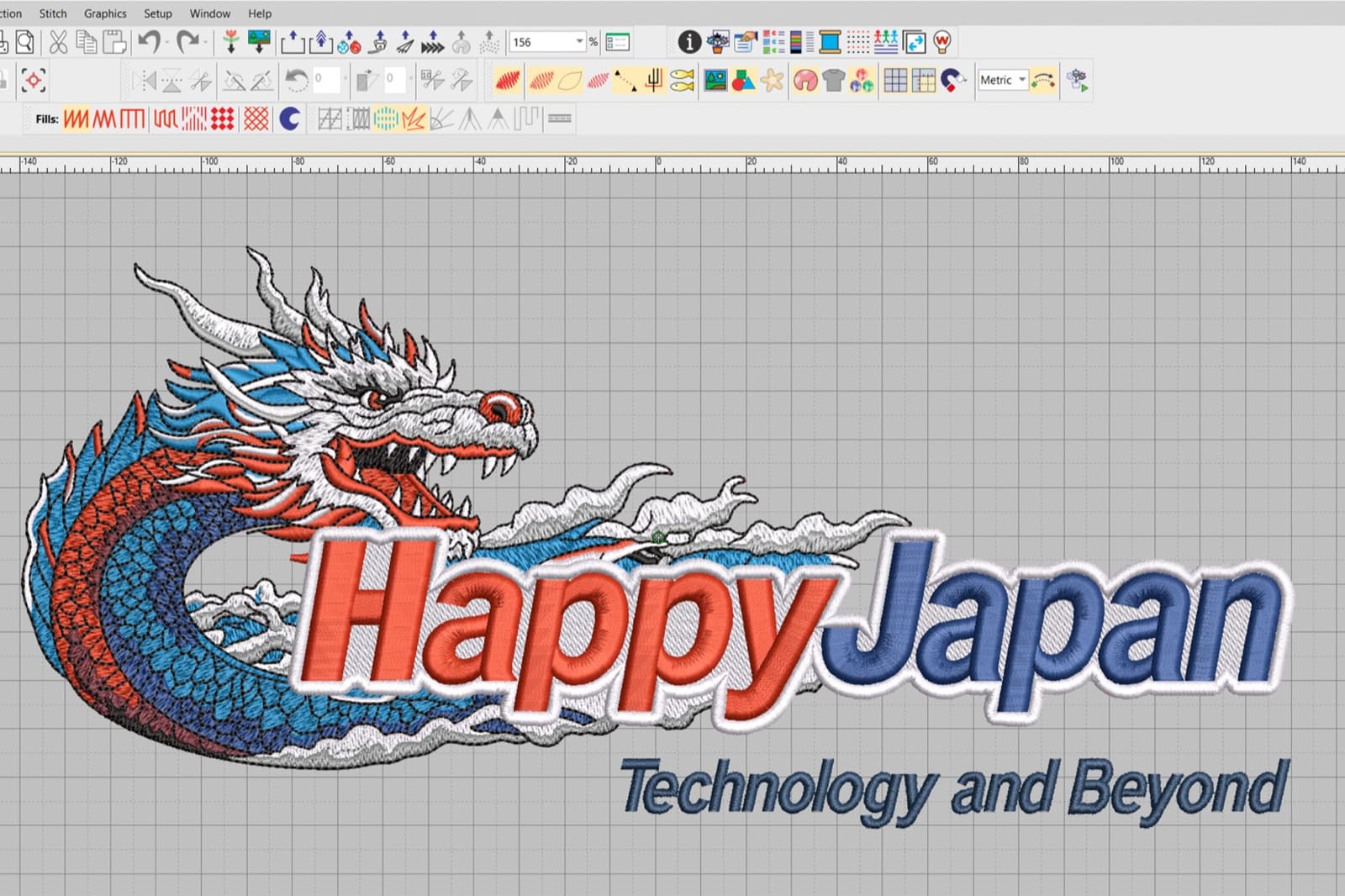
This is the real problem. On a screen, a closed-up file usually looks completely fine. The preview shows clean letters. The stitch simulation looks sharp. Everything says go.
Then you sew it out — and the thread tells a different story. Thread has thickness, fabric pulls, and small letters have almost no room to spare. What looked crisp on the monitor closes up the moment it's stitched on real fabric. A digitizer who works only on screen — which is most of them — simply never sees this happen. The file leaves their desk looking perfect, and the first time anyone discovers the problem is when it's already on your machine, on your customer's garment, on your time.
That's the gap. It's not that closed-up letters are mysterious. It's that you can't catch them by looking at a screen. You catch them by stitching them.
Why we catch it
We sample. Before a design with small or fine lettering reaches you, we sew it out and look at the actual thread on actual fabric — not a preview. If the letters close up, we see it, and we fix it, and you never know there was a problem because it's already solved by the time the file arrives.
And we have a head start most digitizers don't: we've done hundreds of thousands of files. After that many, you don't just react to problems — you see them coming. We can usually tell a design is going to close up before we've stitched a single letter, because we've watched that exact thing happen and corrected it more times than we can count. Fixing it isn't one setting; it's a series of judgement calls that only make sense once you've seen how that specific design behaves in thread. That experience is the difference between a file that reads on every piece and one that turns to mush on the run.
The practical takeaway
If your small text keeps closing up, the file is the problem — not your shop, your machine, or your operator. And the reason it keeps happening is almost always the same: it was digitized on a screen and never sewn out. Before you run a batch, it's worth having lettering digitized by someone who actually tests it at the size you'll stitch. When it's been sampled and the letters stay open in real thread, you know it'll read on every piece — not just on the monitor.